
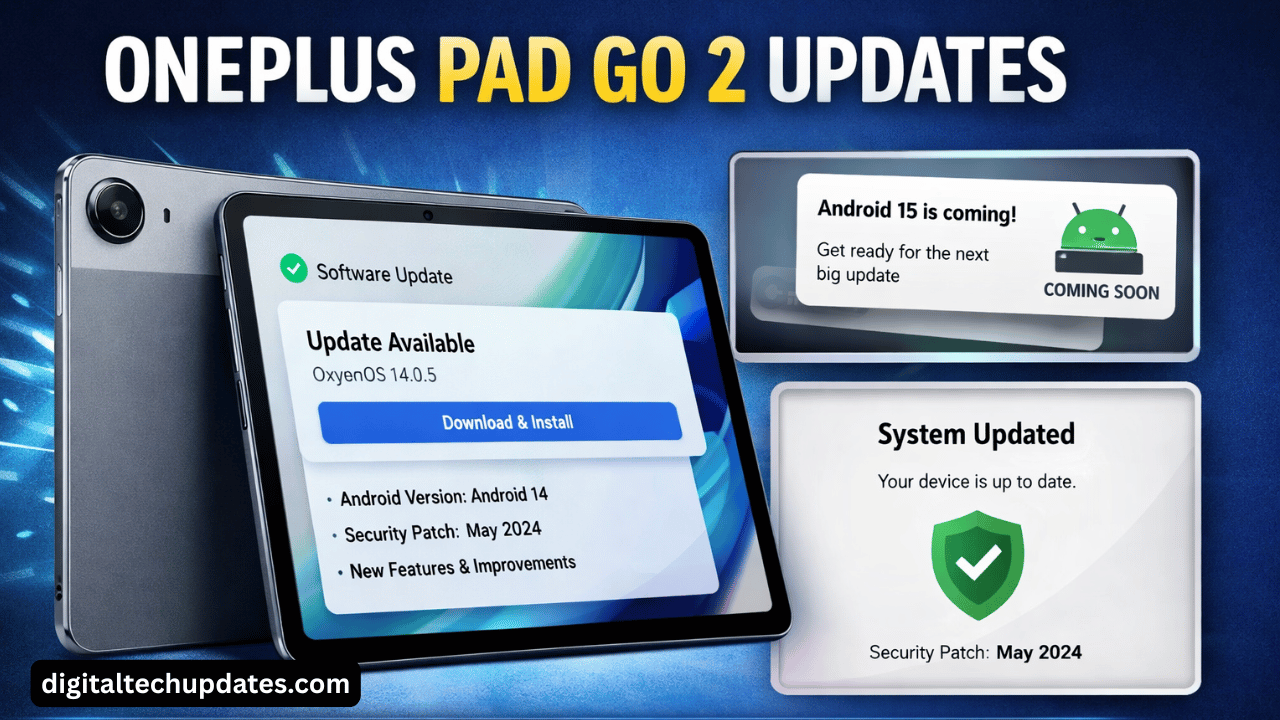
The OnePlus Pad Go 2 is quickly becoming a popular choice among budget tablet users in India, thanks to its clean OxygenOS experience, smooth performance, and reliable build quality. But one question users frequently ask is: “How long will OnePlus Pad Go 2 receive updates?”
If you’re already using the OnePlus Pad Go 2 — or planning to buy it — this detailed guide covers everything about OnePlus Pad Go 2 updates, including Android version updates, security patches, new features, expected update timeline, and how to manually check for updates.
What Is OnePlus Pad Go 2?
The OnePlus Pad Go 2 is an affordable Android tablet designed for students, casual users, and entertainment lovers. It runs on OxygenOS for Pad, offering a near-stock Android experience with useful multitasking features.
Unlike premium tablets, the Pad Go 2 focuses on stability, long battery life, and regular software updates, which is where OnePlus stands out from many competitors in this price range.
OnePlus Pad Go 2 Update Policy (Official)
OnePlus is known for offering better software support compared to many Android brands. As per OnePlus’ update trend and policies:
🔄 Expected Update Support
Android OS Updates: Up to 2 major Android version upgrades
Security Updates: Around 3 years of regular security patches
Bug Fix & Stability Updates: Periodic OTA updates
This means users can expect the OnePlus Pad Go 2 to stay secure, stable, and relevant for several years.
Current Software Version on OnePlus Pad Go 2
At launch, the OnePlus Pad Go 2 comes with:
Android Version: Android 14 (OxygenOS 14 for Pad)
UI: OxygenOS Pad (tablet-optimized interface)
Security Patch: Latest available at launch
OnePlus regularly rolls out incremental updates that include:
System stability improvements
Battery optimization
Bug fixes
Security patch upgrades
Latest OnePlus Pad Go 2 Updates (What’s New?)
Recent OnePlus Pad Go 2 updates have focused on improving everyday usability. Here’s what users are seeing in the latest updates:
✅ Performance Improvements
Smoother app switching
Reduced lag during multitasking
Better RAM management
🔋 Battery Optimization
Improved standby battery life
Optimized background app usage
More accurate battery stats
🔐 Security Enhancements
Latest Android security patches
Improved system protection against vulnerabilities
🎨 UI & UX Tweaks
Improved split-screen and floating window behavior
Better compatibility with third-party apps
Minor UI refinements for tablet mode
Upcoming Android Updates for OnePlus Pad Go 2
Based on OnePlus’ update cycle, here’s what users can expect next:
📱 Android 15 Update (Expected)
New privacy controls
Better battery efficiency
Enhanced tablet multitasking features
Improved app compatibility
🛡️ Ongoing Security Updates
Even after major Android upgrades, OnePlus typically continues monthly or bi-monthly security patches, keeping the device safe.
🔔 Note: Rollout may happen in phases, so not all users receive updates on the same day.
How to Check for OnePlus Pad Go 2 Updates Manually
To manually check for updates on your device:
Open Settings
Tap on About Device
Select OxygenOS Version
Tap Check for Updates
Download & install if available
📌 Tip: Always connect to Wi-Fi and ensure at least 50% battery before updating.
Common Issues After Updates & How to Fix Them
Some users may face minor issues after an update. Here’s how to handle them:
❗ Battery Drain
Restart the tablet
Clear cache of heavy apps
Wait 1–2 days for system optimization
❗ App Crashes
Update apps from Play Store
Clear app cache
Reinstall problematic apps
❗ Slow Performance
Restart device
Free up storage
Disable unused background apps
Most of these issues are temporary and get resolved with follow-up patches.
Advantages of OnePlus Pad Go 2 Software Updates
✔ Clean, bloat-free OxygenOS
✔ Faster update rollout compared to competitors
✔ Long-term security support
✔ Tablet-specific UI improvements
✔ Better resale value due to update support
Disadvantages to Keep in Mind
❌ Updates may roll out slowly for some regions
❌ Major Android updates limited to two versions
❌ No beta program for Pad Go series
Expert Tips to Get the Best Update Experience
Keep auto-updates enabled
Avoid updating immediately if battery is low
Backup important data before major Android upgrades
Join OnePlus community forums for early update info
FAQs – OnePlus Pad Go 2 Updates
1. Will OnePlus Pad Go 2 get Android 15?
Yes, based on OnePlus’ update policy, Android 15 is expected.
2. How long will OnePlus Pad Go 2 receive updates?
Up to 2 Android updates and 3 years of security patches.
3. Is OxygenOS good for tablets?
Yes, OxygenOS Pad is optimized for larger screens and multitasking.
4. Why haven’t I received the update yet?
Updates roll out in phases. It may take a few days to reach all users.
5. Is it safe to install updates immediately?
Yes, but for major updates, waiting 1–2 days is recommended.
Final Verdict: Should You Rely on OnePlus Pad Go 2 Updates?
The OnePlus Pad Go 2 offers reliable and consistent software updates, making it one of the best budget Android tablets in terms of long-term usability. With clean OxygenOS, timely security patches, and future Android upgrades, it’s a solid choice for users who value software experience over flashy specs.
If regular updates matter to you, OnePlus Pad Go 2 is a dependable option.