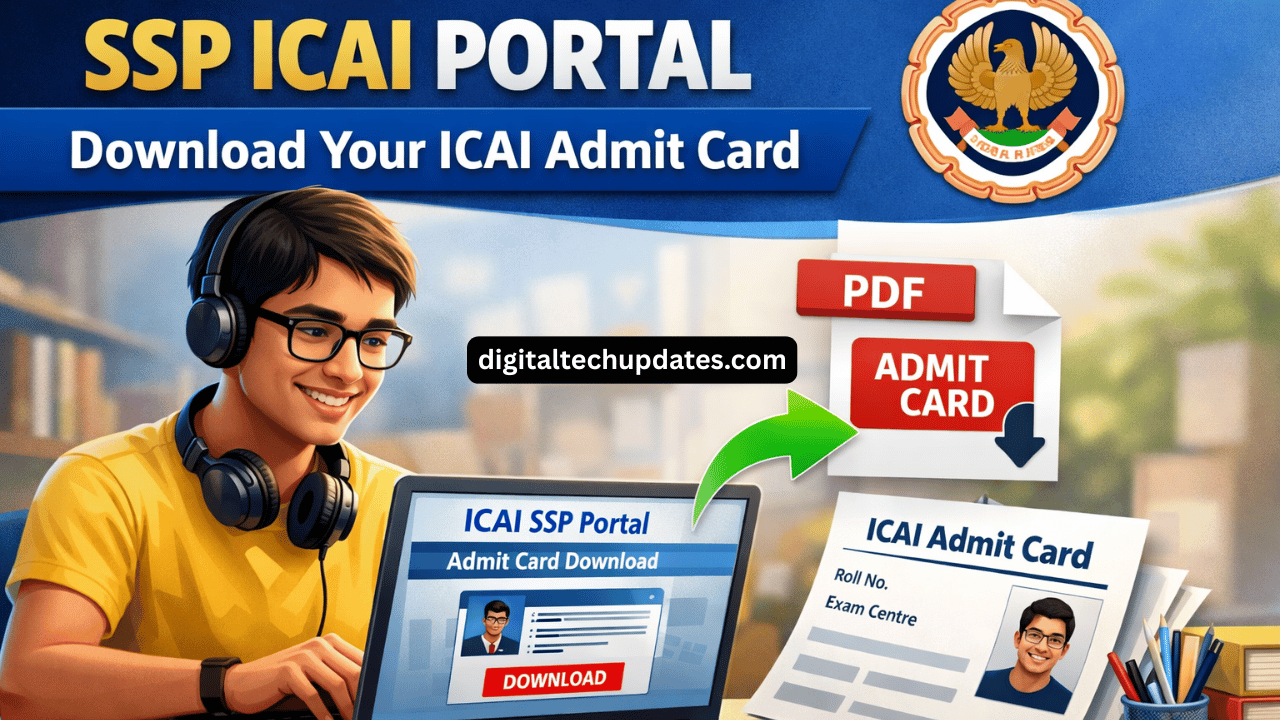
If you are searching for SSP ICAI, ICAI SSP portal, ICAI admit card, or admit card ICAI, this article will help you understand everything in a simple way.
ICAI has made the Self Service Portal (SSP) mandatory for students and members to access exam services, registration, and admit cards.
What is SSP ICAI Portal?
SSP ICAI stands for Self Service Portal of ICAI.
It is an online portal launched by the Institute of Chartered Accountants of India (ICAI) for students and members.
Using the SSP portal ICAI, you can:
Download ICAI admit card
Apply for exams
Check exam forms status
Update profile details
Access student and member services
Official SSP ICAI portal:
Who Should Use ICAI SSP Portal?
The ICAI SSP portal is used by:
CA Foundation students
CA Intermediate students
CA Final students
ICAI members
If you are appearing for any ICAI exam, you must use SSP portal to download your admit card.
ICAI Admit Card – Important Information
ICAI does NOT send admit cards by post.
Students must download the ICAI admit card online through the SSP ICAI portal.
Admit card is mandatory to:
Enter the exam hall
Write ICAI exams
Without admit card, you will not be allowed to attend the exam.
How to Download ICAI Admit Card from SSP Portal (Step by Step)
Follow these simple steps:
Step 1:
Go to the official website:
Step 2:
Click on Admit Card link (Foundation / Intermediate / Final).
Step 3:
Login using:
SSP ID (Eg: SRN@icai.org)
Password
Step 4:
After login, your ICAI admit card will appear on the screen.
Step 5:
Download the admit card PDF.
Step 6:
Take 2 printouts for safety.
Details Mentioned on ICAI Admit Card
Check the following details carefully:
Student Name
Registration Number
Roll Number
Exam Centre
Exam Date & Time
Photograph & Signature
If any details are wrong, contact ICAI immediately.
Common SSP ICAI Login Problems & Solutions
Problem 1: Forgot SSP Password
Solution:
Click on Forgot Password option on the SSP login page and reset your password.
Problem 2: Admit Card Not Showing
Solution:
Check if admit card is released for your course
Make sure you are logged in with correct SRN
Try using Google Chrome browser
Problem 3: SSP Portal Not Opening
Solution:
Clear browser cache
Try after some time (server may be busy)
ICAI SSP Helpdesk Contact Details
If you face any issues, contact ICAI support:
SSP Helpdesk Email:
ICAI Call Sahayata Number:
99975 99975
Working Time:
Monday to Saturday (9 AM to 9 PM)
Important Instructions for Exam Day
Carry printed ICAI admit card
Carry valid photo ID proof
Reach exam centre early
Follow all ICAI exam instructions
Frequently Asked Questions (FAQ)
Where can I download ICAI admit card?
You can download the admit card from SSP ICAI portal at https://eservices.icai.org.
Is ICAI admit card sent by post?
No. ICAI admit card is available only online.
What is SSP ID in ICAI?
SSP ID is your ICAI login ID, usually in the format SRN@icai.org.
Can I appear for exam without admit card?
No. Admit card is compulsory for ICAI exams.
Conclusion
The SSP ICAI portal is the only official platform to access ICAI exam services.
Students should regularly check the ICAI SSP portal for admit card updates and announcements.
Always download your ICAI admit card early to avoid last-minute problems.