Payment Reconciliation Tools for Small Businesses

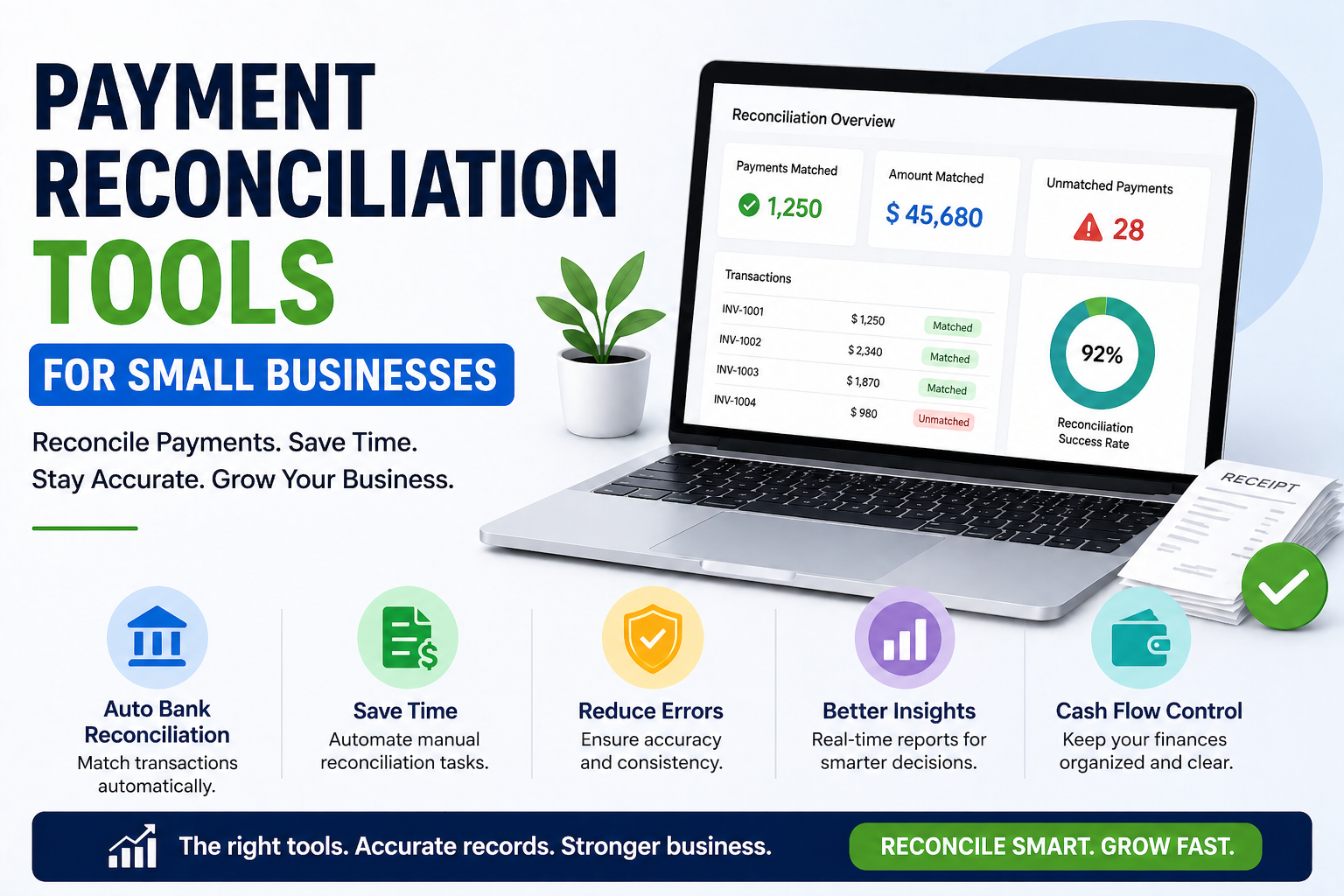
Payment reconciliation — the process of aligning financial records from various sources to ensure everything balances out — is often one of the most error-prone and time-consuming tasks for small business owners. When done manually, it requires matching bank statements with invoices, UPI transaction records, GST returns, and entries from accounting software to make sure that every rupee received or spent is accurately tracked.
For small businesses in India in 2026, juggling multiple payment methods (like UPI, cash, credit cards, NEFT/RTGS, and payment gateways) can turn the reconciliation process into a weekly time sink, eating up hours that could be spent on more productive activities. Thankfully, automation tools have revolutionized this process — making reconciliation quicker, more precise, and a lot less stressful.
This guide will walk you through what payment reconciliation is, why it’s important, and the best tools to manage it effectively.
What Is Payment Reconciliation?
Payment reconciliation is all about making sure your internal accounting records—like your books—line up with external records, such as bank statements, payment gateway reports, and GST filings. The goal is to:
– Ensure that every incoming payment corresponds to an invoice
– Confirm that every outgoing payment matches an expense record
– Spot and clarify any discrepancies
– Make sure your financial position is accurately represented
You can think of it as balancing a checkbook, but on a larger scale for a business that has various income and payment streams.
Why Reconciliation Matters for Small Businesses
**Understanding your financial position:** Imagine your records show ₹5 lakh in receivables, but after a little digging, you find out that ₹1 lakh of that has already been collected but just hasn’t been recorded yet. This means you could be making decisions based on inaccurate information.
**Staying GST compliant:** It’s crucial that your GSTR-1 (which details your outward supplies) aligns with your customers’ purchase returns (GSTR-2B). If there are any mismatches, you might find yourself facing GST notices. Taking the time to reconcile before filing can save you from these headaches.
**Spotting fraud:** If you notice any unexplained discrepancies between your bank statements and your accounting records, that could be a red flag for employee fraud, duplicate payments, or billing mistakes.
**Managing cash flow:** Being clear about what you’ve received versus what’s still outstanding helps you avoid the unpleasant surprise of having less cash on hand than you anticipated.
**Preparing for audits:** When it comes to tax audits or bank loan evaluations, having clean and reconciled books not only showcases your financial professionalism but also helps speed up the entire process.
Common Reconciliation Challenges for Indian SMEs
Here’s the text to analyze: **Multiple payment modes:** You can choose from cash, UPI (with various apps), credit cards, NEFT, RTGS, cheques, and payment gateway settlements — each option comes with its own set of reports and timelines.
**UPI settlement delays:** Sometimes, UPI payments take a day to settle in bank accounts, which can lead to discrepancies between your transaction records and the actual bank credits.
**Payment gateway reconciliation:** Services like Razorpay and PayU charge fees and settle net amounts (after deducting those charges), which can create differences between what’s on your invoice and what you actually receive.
**GST reconciliation:** It’s crucial to match GSTR-1 data with GSTR-2B for input credit claims, as this is a specific and legally significant reconciliation task.
**Manual data entry errors:** In businesses that depend on manual entry, it’s all too easy to encounter typos, missed entries, and duplicates, which can lead to some serious reconciliation headaches.
Manual vs Automated Reconciliation
Here’s the text we’re looking at: **Manual reconciliation using spreadsheets:**
– Start by downloading your bank statement in CSV or Excel format.
– Grab the payment gateway report.
– Get the report from your accounting software.
– Compare everything line by line, either using VLOOKUP or by matching them manually.
– Spot any discrepancies and dig into them.
This method works well for very small businesses that handle fewer than 100 transactions a month. Once you go beyond that, manual reconciliation can get tricky and prone to mistakes.
**Automated reconciliation:**
With software, you can automatically pull in transaction data from various sources, match them up using customizable rules, and only flag the real discrepancies for a human to check. What used to take hours can now be done in just minutes!
Best Payment Reconciliation Tools for Small Businesses
Zoho Books — Comprehensive Accounting with Auto-Reconciliation
Zoho Books stands out as the leading accounting software in India, especially tailored for small businesses, and it comes packed with robust bank reconciliation features.
**Reconciliation features:**
– Effortless bank feed import (links directly with major Indian banks)
– Intelligent matching of transactions to invoices and bills
– Manual matching for those tricky transactions
– Detailed reconciliation reports by period
– GST reconciliation reports for your convenience
**Best for:** Small businesses looking for a comprehensive accounting and reconciliation tool.
**Pricing:** Starting at ₹1,500/month.
Tally Prime — The Indian Accounting Standard
Here’s the text we’re looking at: Tally Prime is a favorite among millions of Indian businesses, thanks to its robust reconciliation features that are especially helpful for GST compliance.
**Reconciliation features:**
– Bank reconciliation with statement import
– GSTR-2A vs GSTR-2B reconciliation (crucial for claiming input credits)
– Reconciliation of outstanding receivables and payables
– Multi-currency reconciliation (ideal for businesses dealing with foreign transactions)
**Best for:** Companies with intricate inventory systems, multiple ledgers, or established Tally workflows.
**Pricing:** Starting at ₹18,000 for a one-time fee or subscription.
RazorpayX (With Razorpay Payments)
If you’re using Razorpay as your payment gateway, RazorpayX makes reconciliation a breeze by automatically matching your payment gateway settlements with bank credits.
**Features:**
– Automatic import of Razorpay settlements
– Matching against invoices in your accounting software
– Dispute management for payment issues
– Real-time reconciliation dashboard
**Best for:** E-commerce and online businesses that rely on Razorpay for transactions.
**Pricing:** Included with RazorpayX accounts.
ClearTax (Clear GST)
ClearTax offers a GST platform that includes GSTR-2A and GSTR-2B reconciliation, which is vital for businesses looking to claim input tax credits.
**Features:**
– Automated reconciliation of GSTR-2A vs GSTR-2B
– Spotting missing invoices from suppliers
– Streamlined GST filing workflow
– Integration with accounting software
**Best for:** Businesses that are specifically focused on GST reconciliation and compliance.
**Pricing:** Starting from ₹2,999 per year for basic plans.
Khatabook Pro
For small retailers and traders who want straightforward reconciliation without the need for complex accounting software, Khatabook Pro provides basic payment tracking and reconciliation.
**Features:**
– Digital khata (ledger) for customers and suppliers
– Tracking outstanding payments
– Simple reconciliation between collected and outstanding amounts
– UPI payment acceptance and tracking
**Best for:** Very small businesses, kirana stores, and traders looking for easy digital ledger management.
Excel/Google Sheets with Automated Import
For businesses that have some technical know-how, creating a custom Google Sheets reconciliation with Google Apps Script can streamline the process of importing and matching bank statements with accounting data—all without any software costs.
There are plenty of free templates out there for Indian businesses, including bank reconciliation formats that work seamlessly with the CSV statement exports from major Indian banks.
**Best for:** Business owners who are comfortable with technology and want complete customization without spending a dime.
How to Set Up Your Reconciliation Process
**Step 1 — Set Your Frequency:**
For businesses with a high volume of transactions, aim for daily reconciliations; medium-volume businesses should do this weekly, while all others should at least check in monthly. It’s crucial to never let more than a month go by without reconciling.
**Step 2 — Collect All Sources:**
– Download bank statements from your online banking
– Gather payment gateway settlement reports
– Compile UPI transaction reports
– Keep track of cash sales records
– Pull reports from your accounting software
**Step 3 — Input Data into Your Reconciliation Tool:**
Most accounting software lets you import bank feeds directly or upload CSV statements with ease.
**Step 4 — Match and Reconcile:**
Your software will automatically match most transactions. Be sure to review any discrepancies that pop up—each one needs a closer look and an explanation.
**Step 5 — Keep a Record of Adjustments:**
Any manual changes you make should be documented with a clear reason. This is essential for maintaining a solid audit trail.
**Step 6 — Create a Reconciliation Report:**
At the end of the month, generate a signed reconciliation report to confirm that your books and bank statements are in sync.
FAQs:
Q1. How often should small businesses perform payment reconciliation?
At the very least, do it monthly. If your business has a lot of transactions—like over 100 a month—aim for weekly. For those bustling retail or e-commerce operations, daily reconciliation is the way to go.
Q2. Which is the best free reconciliation tool for very small businesses?
The easiest free option is Google Sheets, especially when you manually download your bank statements. If you’re focused on tracking customer credit, the free version of Khatabook is a solid choice.
Q3. How do I reconcile Razorpay settlements with my bank account?
Start by downloading the Razorpay settlement report from your dashboard. Keep in mind that Razorpay takes its fees out before settling, so the amount you see in your bank will be less than your invoice totals. That difference is the Razorpay fee, and you’ll need to log it as an expense in your accounting.
Q4. Is GST reconciliation the same as payment reconciliation?
Not quite. GST reconciliation is all about matching outward supply data (GSTR-1) with your customers’ purchase returns (GSTR-2B) to confirm your input tax credit claims. On the other hand, payment reconciliation is about aligning payment transactions with your accounting records. Both are important, but they serve different roles.
Conclusion:
Payment reconciliation is not glamorous, but it is the backbone of financial accuracy for small businesses. Without it, you are flying blind — making decisions on financial data that may be significantly wrong.
Tools like Zoho Books, Tally Prime, and ClearTax have made reconciliation far more manageable for Indian small businesses, automating the tedious matching process and surfacing only genuine discrepancies for human attention.
Start with a simple process — even a monthly bank statement reconciliation — and build from there. The financial clarity it brings is worth the time invested.
For more business finance guides, visit DigitalTechUpdates.com.
Thalla Lokesh
Thalla Lokesh is a Digital Marketing Strategist and SEO Specialist with over 12 years of experience in helping businesses grow their online presence. Since beginning his career in 2013, he has successfully worked across industries including healthcare, education, technology, and e-commerce. He specializes in search engine optimization (SEO), content marketing, keyword strategy, and link building, with a strong focus on delivering measurable results. Lokesh has helped brands achieve top rankings on Google through data-driven strategies, high-quality content, and ethical SEO practices aligned with search engine guidelines. As the founder of Honey Web Solutions , a Tirupati-based digital marketing company, he actively works with clients to improve organic traffic, lead generation, and online visibility. He also contributes expert insights on digital marketing trends, AI SEO, and content strategies through blogs and industry platforms.