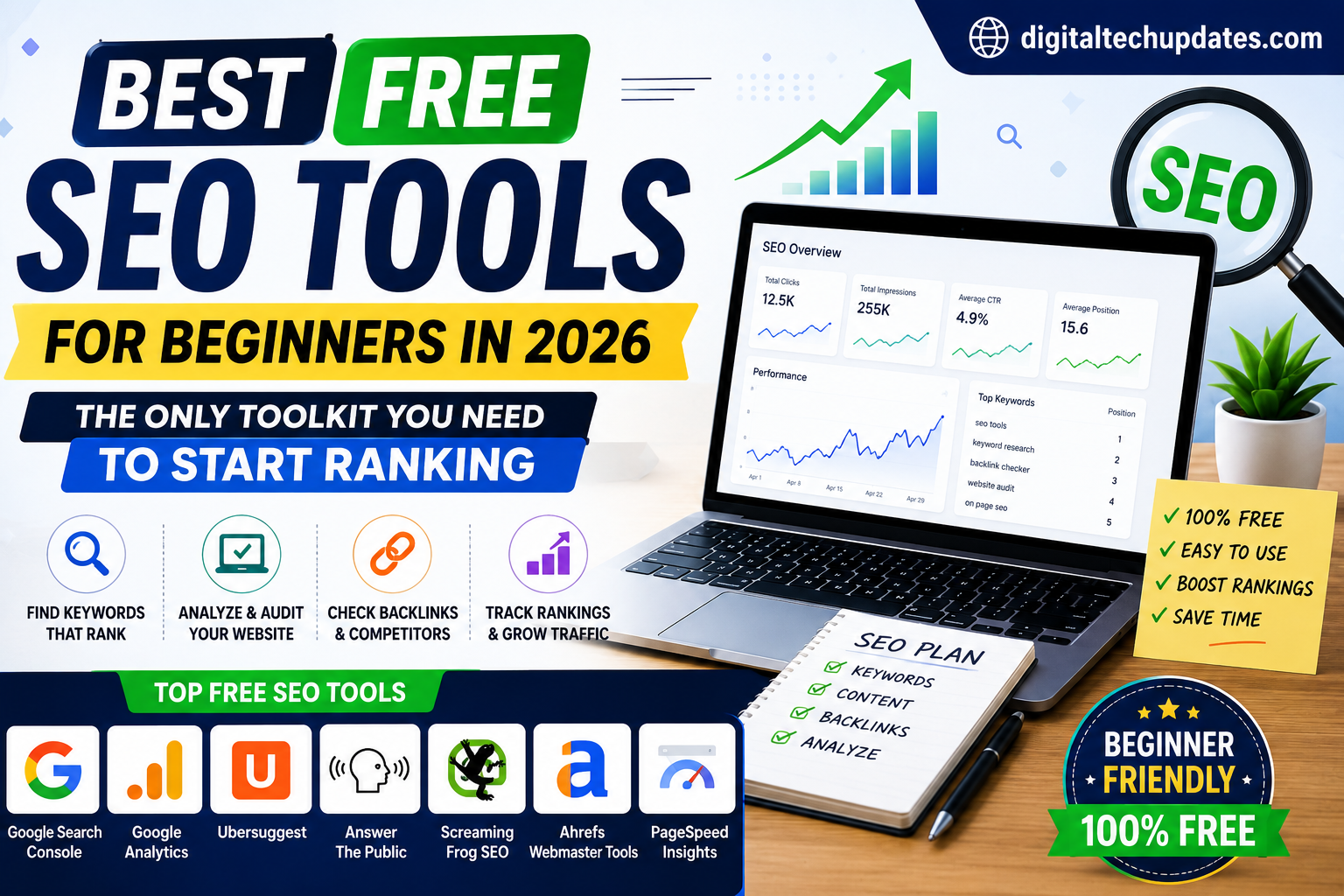
Best Free SEO Tools for Beginners in 2026

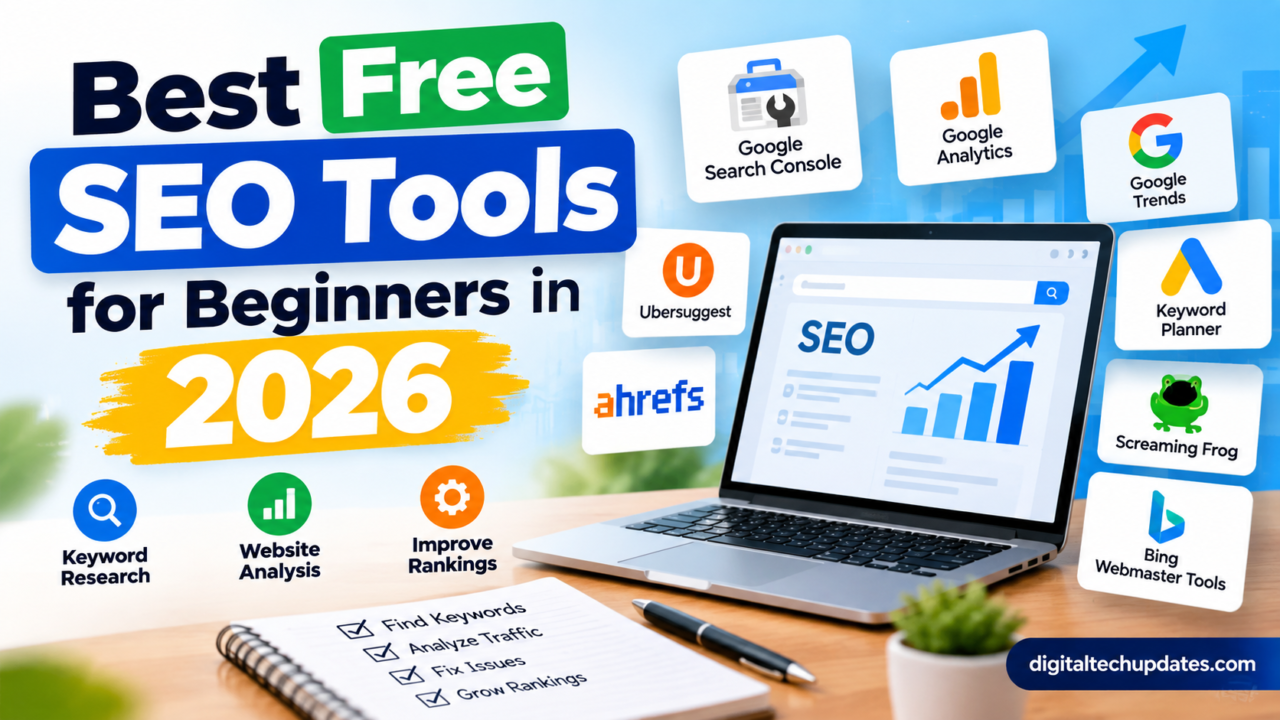
If you are new to SEO, one of the first things you will notice is that there are hundreds of SEO tools available online. Some help with keyword research, some check website speed, others analyze backlinks, technical SEO, competitors, content and search rankings.
The problem is that many popular SEO platforms are expensive, especially when you are just starting a blog or small business website.
The good news is that you do not need an expensive SEO subscription to get started in 2026.
There are several powerful free SEO tools that can help you find keywords, understand your Google traffic, identify technical problems, improve page speed and discover opportunities to increase organic traffic.
In this guide, we will look at the best free SEO tools for beginners in 2026, what each tool is useful for, and how you can use them as part of a simple SEO strategy.
What Are SEO Tools?
SEO tools are online platforms or software applications that help website owners improve their visibility in search engines.
Depending on the tool, you can use SEO software to:
- Find keyword ideas
- Check search performance
- Identify technical SEO problems
- Analyze backlinks
- Improve website speed
- Research competitors
- Check indexing issues
- Optimize content
- Find trending topics
- Monitor organic traffic
- Test structured data
You don’t need to use every SEO tool available. In fact, beginners can often get better results by using a small collection of reliable tools consistently.
Best Free SEO Tools for Beginners in 2026
Here are some of the most useful free SEO tools beginners can start using today:
| SEO Tool | Best For | Free Access |
|---|---|---|
| Google Search Console | Search performance and indexing | Yes |
| Google Analytics 4 | Website traffic analysis | Yes |
| Google Trends | Finding trends and topics | Yes |
| Google Keyword Planner | Keyword research | Yes |
| Google PageSpeed Insights | Page speed and Core Web Vitals | Yes |
| Bing Webmaster Tools | Bing SEO and site diagnostics | Yes |
| Ahrefs Free | Site audits and backlinks | Free tier |
| Screaming Frog SEO Spider | Technical SEO crawling | Free up to 500 URLs |
| Google Rich Results Test | Structured data testing | Yes |
| Lighthouse | Technical performance checks | Yes |
| Ubersuggest | Keyword and competitor research | Limited free access |
| AnswerThePublic | Content and question ideas | Limited free access |
Let’s look at each tool in more detail.
1. Google Search Console
If you are a beginner, Google Search Console should be one of the first SEO tools you set up.
It is Google’s own platform for website owners and provides valuable information about how your website performs in Google Search.
You can use it to understand which search queries are generating impressions and clicks, which pages are performing well, and whether Google has encountered indexing or technical issues with your site.
What can you do with Google Search Console?
You can use it to:
- Monitor Google Search performance
- Find keywords your website appears for
- Check clicks and impressions
- Analyze average search position
- Check indexing status
- Submit sitemaps
- Inspect individual URLs
- Identify indexing problems
- Monitor Core Web Vitals
- Check search enhancements
Beginner tip
One of the most useful reports is the Performance report.
Look for pages that are receiving impressions but relatively few clicks. Improving their titles and descriptions can sometimes increase their click-through rate without creating a completely new article.
Best for: Search performance, indexing and SEO monitoring.
2. Google Analytics 4
Google Analytics 4, commonly called GA4, helps you understand what visitors do after they arrive on your website.
While Search Console focuses heavily on Google Search performance, Analytics helps you understand the behavior of users on your website.
You can analyze:
- Users
- Traffic sources
- Landing pages
- Engagement
- Sessions
- Conversions
- Geographic information
- User behavior
Why is GA4 useful for SEO?
Getting visitors from Google is only part of the story.
You also want to know whether those visitors actually engage with your website.
For example, suppose an article receives 5,000 organic visitors but almost nobody visits another page or takes an important action.
That tells you something different from an article that receives 1,500 visitors but generates strong engagement.
Best for: Understanding organic traffic and visitor behavior.
3. Google Trends
Keyword search volume is useful, but it doesn’t tell the entire story.
Google Trends helps you understand how interest in a topic changes over time.
You can compare different topics, explore rising searches and investigate seasonal interest.
For example, a finance blogger might compare searches around:
- SIP
- FD
- PPF
- NPS
A technology website could compare interest in different smartphones, operating systems or AI topics.
How beginners can use Google Trends
Before writing an article, search for your topic in Google Trends.
Check:
- Whether interest is increasing or decreasing
- Seasonal patterns
- Related topics
- Related queries
- Geographic interest
This can help you choose topics that have genuine search interest rather than relying only on assumptions.
Best for: Trends, content ideas and seasonal keyword research.
4. Google Keyword Planner
Google Keyword Planner is primarily designed for Google Ads, but it can also be useful for SEO keyword research.
It can help you discover related keyword ideas and understand estimated search demand.
For beginners, it is especially useful when you have a broad topic but don’t know which related phrases people may search for.
Example
Suppose your main topic is:
“personal finance”
Keyword research may lead you toward more specific topics such as:
- personal finance tips
- monthly budget planner
- emergency fund
- SIP investment
- retirement planning
- savings tips
Instead of creating one extremely broad article, you can use these ideas to build a collection of focused articles.
Best for: Keyword discovery and topic research.
5. Google PageSpeed Insights
Website speed matters for both user experience and modern SEO.
Google PageSpeed Insights allows you to test a webpage and see performance information along with suggestions for improvement.
You can test both mobile and desktop experiences.
What can you find?
Depending on the page, the report can highlight issues related to:
- Loading performance
- JavaScript
- Images
- CSS
- Rendering
- Core Web Vitals
- Server response
- Other performance opportunities
Beginner tip
Don’t become obsessed with getting a perfect 100 score.
Instead, focus on fixing meaningful problems that make your website slower or harder to use.
For many websites, optimizing large images and reducing unnecessary scripts can make a noticeable difference.
Best for: Page speed and performance troubleshooting.
6. Bing Webmaster Tools
Google isn’t the only search engine worth monitoring.
Bing Webmaster Tools provides website owners with search performance data, keyword information, backlink insights and technical SEO tools. Its Site Scan feature can also crawl websites and identify common technical problems.
Bing has also added AI-related performance reporting that can show how publisher content appears in Microsoft Copilot and other AI-generated experiences.
What can you use Bing Webmaster Tools for?
You can:
- Monitor Bing search performance
- Submit sitemaps
- Check crawling
- Research keywords
- Analyze backlinks
- Run site scans
- Identify technical problems
- Review search performance
Why should Google-focused websites use it?
Because it costs nothing to set up and gives you another source of search data.
Best for: Bing SEO, technical diagnostics and additional search visibility.
7. Ahrefs Free
Ahrefs is well known as a professional SEO platform, but it also provides free access for verified websites.
Ahrefs says its free offering includes website analytics, Site Audit and Site Explorer capabilities for verified websites. Its Site Audit can identify technical and on-page SEO issues, while Site Explorer provides information about organic traffic and backlinks.
What makes Ahrefs useful?
For beginners, it can provide another perspective on:
- Technical SEO
- Backlinks
- Organic traffic
- Top-performing pages
- Keywords
- Website health
The free version has limitations compared with the complete paid platform, but it can still be useful for a small website.
Best for: Website audits and backlink research.
8. Screaming Frog SEO Spider
Screaming Frog SEO Spider is a desktop-based crawler that can scan websites and help identify technical SEO problems.
The free version is particularly useful for small websites because it allows crawling of up to 500 URLs.
You can use it to discover issues such as:
- Broken links
- Missing page titles
- Duplicate titles
- Missing meta descriptions
- Redirects
- Canonical issues
- Status codes
- URL problems
- Internal linking opportunities
When should beginners use it?
If your website has only a few pages, you may not need a crawler every day.
But once your website starts growing, Screaming Frog can make technical audits much easier.
Best for: Technical SEO audits and website crawling.
9. Google Rich Results Test
Structured data can help Google understand specific types of content on a webpage.
Google’s Rich Results Test lets you test whether a page is eligible for certain rich result features.
This is particularly useful if your website uses structured data for content such as:
- Articles
- Products
- Recipes
- Events
- FAQs
- Local businesses
- Other supported content types
Beginner tip
Don’t add schema markup simply because you want a ranking boost.
Use structured data accurately and only when it genuinely describes the content on the page.
Best for: Testing structured data and rich-result eligibility.
10. Google Lighthouse
Lighthouse is an open-source auditing tool that can be accessed through Chrome DevTools and other Google development tools.
It can provide reports covering areas such as:
- Performance
- Accessibility
- Best practices
- SEO
- Progressive web app capabilities
For beginners, Lighthouse is useful because it provides a broader technical view of a webpage rather than focusing exclusively on keyword rankings.
Best for: Technical website audits and performance checks.
11. Ubersuggest
Ubersuggest is a popular SEO research platform that offers limited free functionality.
It can be useful for generating:
- Keyword ideas
- Content ideas
- Competitor research
- Backlink information
- SEO opportunities
The free access is limited, so it is better viewed as a supplementary tool rather than your entire SEO strategy.
Beginner tip
Use it to generate ideas, then validate those ideas using other sources such as Google Search, Google Trends and Search Console.
Best for: Keyword and content ideas.
12. AnswerThePublic
Sometimes the hardest part of SEO isn’t finding a keyword.
It’s figuring out what people actually want to know about that keyword.
AnswerThePublic can help you discover questions and related searches around a topic.
For example, if your topic is:
“SIP”
you may find questions around:
- What is SIP?
- How does SIP work?
- Is SIP safe?
- How much should I invest in SIP?
- Can I stop a SIP?
- Which SIP is better?
These questions can become headings, FAQs or completely separate articles.
Best for: Content ideas and question-based searches.
Which Free SEO Tool Should Beginners Use First?
If you’re completely new to SEO, don’t install 15 tools and try to learn all of them at once.
Start with these five:
1. Google Search Console
Use it to understand how Google sees your website.
2. Google Analytics
Use it to understand what visitors do after reaching your site.
3. Google Trends
Use it to identify topics with growing or seasonal interest.
4. Google PageSpeed Insights
Use it to find important performance problems.
5. Bing Webmaster Tools
Use it for additional search performance and technical insights.
Once you are comfortable with these, add Ahrefs Free and Screaming Frog to your workflow.
A Simple Free SEO Workflow for Beginners
You don’t need a complicated process.
Here’s a simple workflow you can repeat every week.
Step 1: Find a topic
Use Google Trends and Keyword Planner to discover topics and keyword ideas.
Step 2: Understand the search intent
Search your main keyword on Google.
Look at the results.
Ask yourself:
What does someone actually want when they search this phrase?
Is the person looking for:
- Information?
- A product?
- A comparison?
- A tutorial?
- A review?
- A specific website?
Your article should satisfy that intent.
Step 3: Create useful content
Don’t write an article simply because a keyword has search volume.
Answer the reader’s questions clearly.
Use examples, simple explanations, relevant statistics and practical advice where appropriate.
Step 4: Optimize the page
Check your:
- Title
- URL
- H1
- Headings
- Introduction
- Images
- Internal links
- Meta description
- Structured data where appropriate
Don’t force keywords into every paragraph.
Write naturally.
Step 5: Check technical SEO
Use tools such as Google Search Console, PageSpeed Insights, Ahrefs Free or Screaming Frog to identify technical issues.
Step 6: Publish and monitor
After publishing, don’t immediately judge the article.
Give search engines time to crawl and evaluate the page.
Then use Search Console to see:
- Which queries generated impressions
- Which queries generated clicks
- Which pages are gaining visibility
- Which pages need improvement
Step 7: Improve existing content
This is one of the most overlooked SEO activities.
You don’t always need to publish another article.
Sometimes your existing article already has the potential to rank.
For example, if Search Console shows that your page is appearing for related keywords you didn’t originally target, you may be able to improve the article by answering those questions more clearly.
Are Free SEO Tools Enough in 2026?
For beginners, yes.
You can learn SEO, optimize a small website and start generating organic traffic without paying hundreds of dollars every month for SEO software.
However, free tools have limitations.
You may eventually need a paid platform if you:
- Manage many websites
- Perform large-scale keyword research
- Need extensive competitor data
- Track hundreds or thousands of keywords
- Manage SEO for multiple clients
- Need advanced backlink analysis
- Want automated reporting
- Run large technical audits
But don’t buy an expensive SEO subscription just because everyone else is using one.
First learn how SEO works.
Then identify the specific data you are missing.
Only upgrade when the additional information will actually help you make better decisions.
Free vs Paid SEO Tools: What Should You Choose?
A simple way to think about it is:
Beginner website → Free tools
Growing website → Free tools + selected paid tools
Agency or large website → Professional SEO platform
For a new blogger, spending money on an expensive SEO platform isn’t necessarily going to produce more traffic.
Better content, stronger search intent matching, useful internal linking and consistent publishing can be more valuable.
My Recommended Free SEO Stack for 2026
If I were starting a new website today, I would keep my SEO setup simple.
For keyword research
Google Trends + Google Keyword Planner
Use them to discover topics, related keywords and changes in search interest.
For Google SEO
Google Search Console
Use it as your main source for understanding your website’s actual Google Search performance.
For traffic analysis
Google Analytics
Use it to understand what visitors do after arriving on your website.
For technical SEO
Google PageSpeed Insights + Screaming Frog
Use PageSpeed Insights for performance and Screaming Frog for deeper crawling.
For backlinks and site health
Ahrefs Free
Use it to get additional information about backlinks and technical SEO.
For Bing
Bing Webmaster Tools
Use it to monitor Bing performance and access additional SEO and diagnostic features.
Final Thoughts
SEO can look complicated when you first start.
There are keyword tools, backlink tools, rank trackers, technical crawlers, content optimization platforms and dozens of other products competing for your attention.
But you don’t need all of them.
A beginner can build a surprisingly capable SEO workflow using Google Search Console, Google Analytics, Google Trends, Google Keyword Planner, PageSpeed Insights, Bing Webmaster Tools, Ahrefs Free and Screaming Frog.
The important thing is not how many tools you use.
It’s how well you use the information they provide.
Find topics people genuinely care about. Create content that answers their questions better. Make your website easy to crawl and use. Monitor your results, learn from the data and improve your existing pages.
The best SEO tool is ultimately the one that helps you make a better decision.
And when you’re starting out, many of those tools are available without spending a single dollar.

Thalla Lokesh
Thalla Lokesh is a Digital Marketing Strategist and SEO Specialist with over 12 years of experience in helping businesses grow their online presence. Since beginning his career in 2013, he has successfully worked across industries including healthcare, education, technology, and e-commerce. He specializes in search engine optimization (SEO), content marketing, keyword strategy, and link building, with a strong focus on delivering measurable results. Lokesh has helped brands achieve top rankings on Google through data-driven strategies, high-quality content, and ethical SEO practices aligned with search engine guidelines. As the founder of Honey Web Solutions , a Tirupati-based digital marketing company, he actively works with clients to improve organic traffic, lead generation, and online visibility. He also contributes expert insights on digital marketing trends, AI SEO, and content strategies through blogs and industry platforms.