Best Free SEO Tools for Beginners in 2026: The Only Toolkit You Need to Start Ranking

When you are just starting with SEO, the number of tools available is genuinely overwhelming. Ahrefs costs $129/month. Semrush costs $139/month. Moz Pro starts at $99/month. For a beginner or a small business owner just learning the ropes, spending that kind of money before you even understand what you are doing makes no sense.
Here is the truth that tool companies do not want you to know: you can do excellent, meaningful SEO work using entirely free tools — at least for the first 6 to 12 months of your journey.
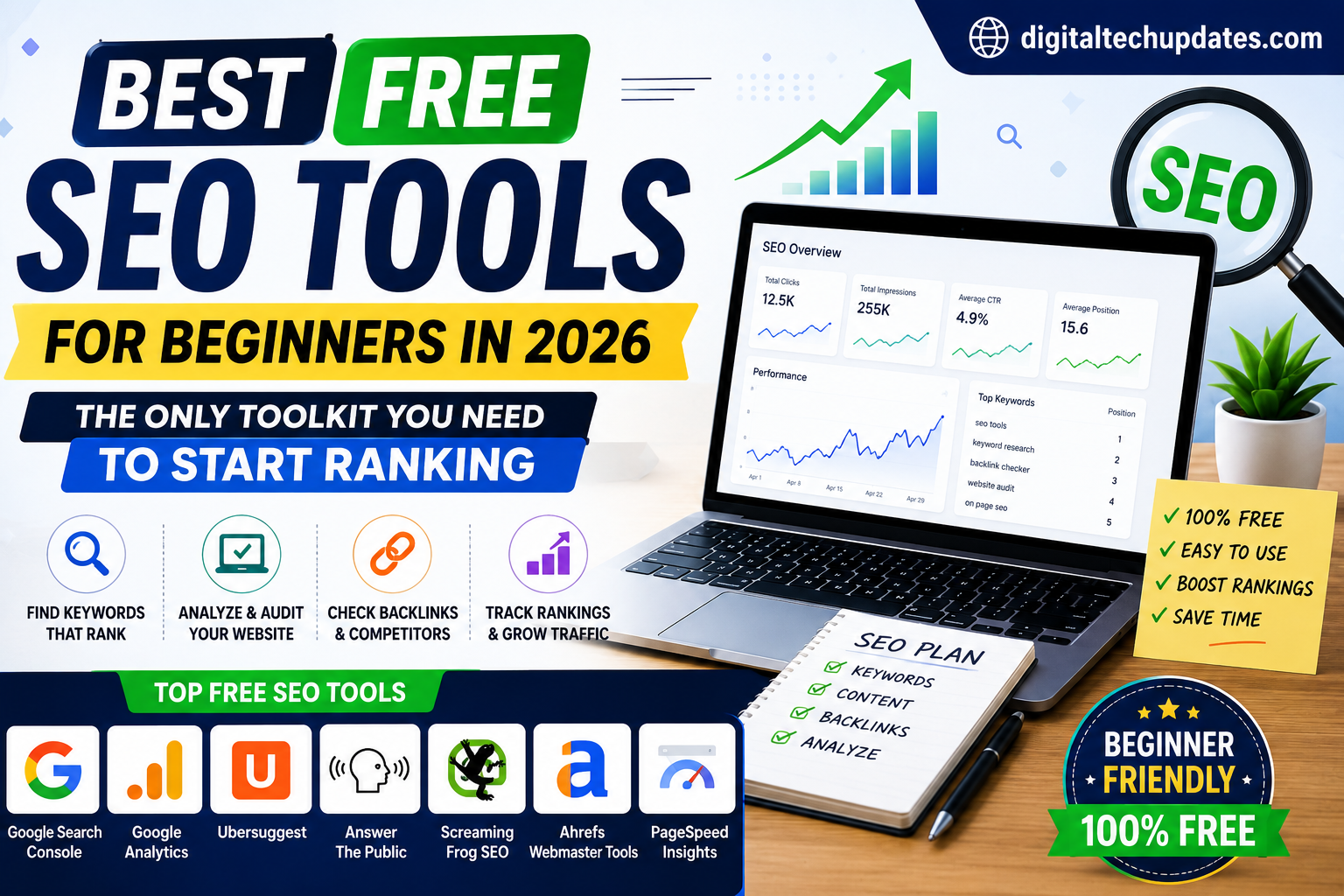
This guide covers the 10 best free SEO tools for beginners in 2026, what each one does, and how to use them together as a cohesive system.
Why Free SEO Tools Are More Powerful Than Ever
Google itself provides two of the most powerful SEO tools in existence — completely free. Third-party tools have also significantly expanded their free tiers in 2026, largely due to competition from AI-powered SEO platforms. The beginner has never had access to better free resources.
The 10 Best Free SEO Tools for Beginners
1. Google Search Console — The Most Important SEO Tool, Period
If you install only one SEO tool today, make it Google Search Console (GSC). It is free, directly from Google, and shows you exactly how Google sees and interacts with your website.
What GSC tells you:
- Which keywords are bringing visitors to your site
- Where you rank for those keywords (positions 1–100)
- How many clicks and impressions each page receives
- Which pages have technical errors (crawl issues, mobile usability problems, Core Web Vitals)
- Which external sites link to you
How to use it as a beginner: First, check the “Performance” report to see which keywords your site already gets impressions for. Any keyword where you appear in positions 8–20 is a quick-win opportunity — write better content targeting those keywords and your rankings will improve within weeks.
2. Google Keyword Planner — Free Keyword Research
Technically part of Google Ads, Keyword Planner is free to access (you just need a Google Ads account — you do not need to spend money). It shows you monthly search volume ranges and competition levels for any keyword.
Best for: Validating keyword ideas before you write content. Checking seasonal trends. Finding related keyword variations.
Limitation: Search volume is shown as a range (1K–10K) rather than exact numbers on free accounts.
3. Google Trends — Understand Search Momentum
Google Trends shows how search interest for any keyword has changed over time. This is invaluable for identifying rising topics before they become highly competitive.
How to use it: Search for your target keyword and look at the trend graph. A keyword on an upward trend in the last 12 months is significantly more valuable than one that is declining — even if current search volume is similar. “Breakout” topics (5,000%+ growth) represent extraordinary opportunities to publish content before competition arrives.
4. Ubersuggest — Neil Patel’s Free SEO Tool
Ubersuggest gives you keyword difficulty scores, monthly search volume, top-ranking page analysis, and basic backlink data — all the core functionality of a premium SEO tool — with 3 free searches per day.
Best features on free plan:
- Keyword overview (volume, CPC, SEO difficulty, paid difficulty)
- Content ideas (shows existing articles ranking for your keyword)
- Site audit (up to 150 pages)
- Backlink data for any domain
How to use it: Enter your website URL and run a site audit. Fix the issues it identifies. Then use the keyword tool to find 20 keywords in your niche with difficulty under 30 and volume above 500/month.
5. Ahrefs Webmaster Tools — Free Backlink Intelligence
Ahrefs is the gold standard for backlink analysis. Their premium tool costs $129/month — but Ahrefs Webmaster Tools is completely free and gives you:
- Full backlink profile for your own website
- Organic keyword rankings for your site
- Technical SEO health score and issues list
- Internal link opportunities
This is an exceptional free resource. The limitation is that you can only analyse your own website — not competitors. For competitor analysis, you need the paid version.
6. Moz Link Explorer (Free Version) — Competitor Backlink Research
While Ahrefs free is better for your own site, Moz Link Explorer’s free version lets you analyse up to 10 competitor domains per month with basic backlink data. This is useful for understanding who links to your competitors and identifying link-building opportunities.
7. AnswerThePublic — Question-Based Keyword Mining
AnswerThePublic visualises all the questions, prepositions, and comparisons that people search for around any keyword. Type in “health insurance” and it generates 100+ specific questions people are asking — each one a potential blog post or FAQ answer.
Free plan: 3 searches per day Best For: Finding long-tail question-based keywords for blog content and FAQ sections. These question-format keywords are extremely valuable in 2026 because they align directly with AI Overview citations.
8. Screaming Frog SEO Spider (Free Version) — Technical SEO
Screaming Frog crawls your website just like Google’s bots do and identifies technical SEO issues: broken links, missing meta tags, duplicate content, redirect chains, page titles that are too long, and much more.
Free plan: Crawl up to 500 URLs Best For: Anyone with a website larger than 10 pages. Technical SEO errors are often the biggest hidden reason why good content fails to rank.
9. PageSpeed Insights — Core Web Vitals Check
Google’s PageSpeed Insights (free, no sign-up required) analyses your website’s loading speed and Core Web Vitals scores. Google officially uses page speed as a ranking factor — slow websites rank lower regardless of content quality.
Enter your URL and it gives you a score out of 100 and specific recommendations to improve speed. Even non-technical users can implement many of the suggestions.
10. Yoast SEO (Free WordPress Plugin) — On-Page SEO for WordPress
If your website runs on WordPress, Yoast SEO’s free version is an essential plugin. It guides you through on-page optimisation for every post and page you publish:
- Keyword density and placement check
- Meta title and description editor
- Readability analysis
- Internal link suggestions
- XML sitemap generation
Your Free Beginner SEO Workflow
Here is how to use these tools together systematically:
Week 1 — Audit and Baseline
- Install Google Search Console and verify your site
- Install Ahrefs Webmaster Tools
- Run a Screaming Frog crawl and fix critical technical errors
- Check PageSpeed Insights and implement quick wins
Week 2–3 — Keyword Research
- Use Google Keyword Planner + Ubersuggest to build a list of 30 target keywords
- Validate trending keywords with Google Trends
- Use AnswerThePublic to find question-based variations
- Prioritise keywords with difficulty under 30 and volume over 500/month
Week 4 onwards — Content Creation and Monitoring
- Create content targeting your identified keywords (one article per keyword)
- Install Yoast SEO if on WordPress and optimise every post
- Monitor rankings in Google Search Console weekly
- Look for keywords stuck at positions 8–20 and improve those pages
When Should You Upgrade to Paid Tools?
Start investing in paid SEO tools when:
- Your site gets more than 5,000 organic visitors per month (you have data worth analyzing deeply)
- You are targeting highly competitive keywords and need precise difficulty scores
- You want to do serious competitor backlink analysis
- You are managing multiple websites or clients
Until then, the free toolkit above is everything you need to build a solid SEO foundation.
Thalla Lokesh
Thalla Lokesh is a Digital Marketing Strategist and SEO Specialist with over 12 years of experience in helping businesses grow their online presence. Since beginning his career in 2013, he has successfully worked across industries including healthcare, education, technology, and e-commerce. He specializes in search engine optimization (SEO), content marketing, keyword strategy, and link building, with a strong focus on delivering measurable results. Lokesh has helped brands achieve top rankings on Google through data-driven strategies, high-quality content, and ethical SEO practices aligned with search engine guidelines. As the founder of Honey Web Solutions , a Tirupati-based digital marketing company, he actively works with clients to improve organic traffic, lead generation, and online visibility. He also contributes expert insights on digital marketing trends, AI SEO, and content strategies through blogs and industry platforms.