Bank Account Balance Check: How to Check Bank Balance Online, by Missed Call, SMS & UPI (2026)

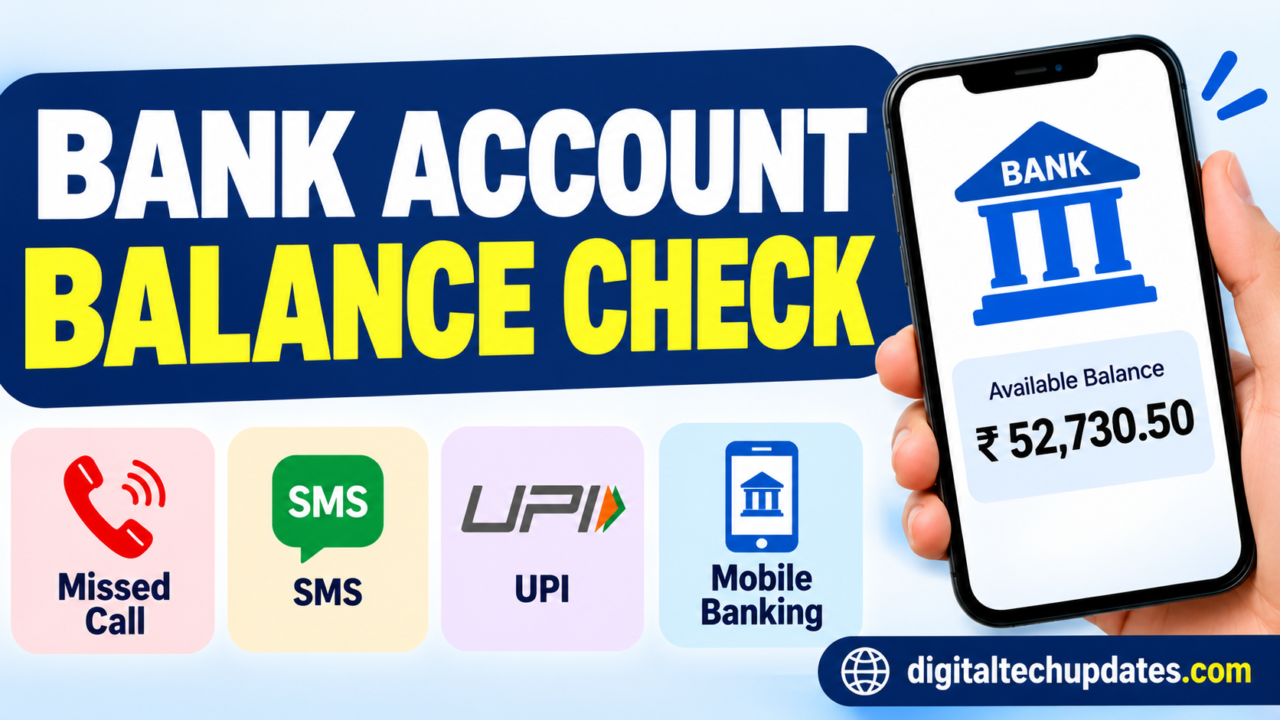
Do you want to check your bank account balance but don’t know how to do it without visiting your bank branch or ATM? Today, you can check your bank balance within seconds using your mobile phone. Whether you have a smartphone or a basic mobile phone, several options are available.
You can check your bank account balance online, through a missed call, by SMS, using UPI apps, mobile banking and internet banking. Many banks also provide balance enquiry services that work without an internet connection.
In this guide, we explain how to check your bank account balance, the methods offered by major Indian banks, what to do if the service doesn’t work and how to protect your banking information.
Quick Overview: Bank Account Balance Check Methods
| Method | Internet required? | What you need |
|---|---|---|
| Mobile banking app | Yes | Smartphone and bank app |
| Internet banking | Yes | Login credentials |
| UPI apps | Yes | Linked bank account |
| Missed call banking | No | Registered mobile number |
| SMS banking | No | Registered mobile number |
| ATM | No | ATM/debit card and PIN |
| Bank branch | No | Account details and verification |
1. How to Check Bank Account Balance Online?
If you have a smartphone and internet connection, checking your bank balance online is easy. You can use your bank’s mobile application or internet banking facility.
Method 1: Through a Mobile Banking App
Follow these steps:
- Open your bank’s official mobile banking application.
- Log in using your MPIN, password or biometric authentication.
- Select the Accounts or Savings Account option.
- Choose your bank account.
- Your available account balance will be displayed on the screen.
Most banks also allow customers to view recent transactions, download statements and transfer money through their mobile banking apps.
Important: Download banking apps only from official app stores and check the developer name before installing them.
Method 2: Through Internet Banking
You can also check your bank account balance using a computer or mobile browser.
- Visit your bank’s official website.
- Select the Internet Banking or Login option.
- Enter your User ID and password.
- Complete any required OTP or additional authentication.
- Open the Account Summary section.
- Check your available balance.
Never access internet banking through unknown links received through SMS, WhatsApp or email.
2. How to Check Bank Balance Through UPI Apps?
UPI applications make it convenient to check the balance of your linked bank account.
Some commonly used UPI apps include:
- Google Pay
- PhonePe
- Paytm
- BHIM
Steps to Check Bank Balance Using UPI
- Open your preferred UPI application.
- Log in using your registered mobile number and app security method.
- Select your bank account or profile section.
- Choose the Check Balance option.
- Enter your UPI PIN when prompted.
- Your bank account balance will appear.
Remember: Never share your UPI PIN with anyone. Enter it only in the official UPI application when you initiate a transaction or request a balance enquiry.
UPI balance enquiry availability may depend on the app, bank and account configuration.
3. How to Check Bank Balance Without Internet?
Do you have a basic mobile phone or no internet connection? You can still check your bank account balance through missed-call banking or SMS banking, if your bank provides these facilities.
Method 1: Missed Call Banking
Missed-call banking is one of the simplest ways to check your account balance without using mobile data.
Follow these steps:
- Check whether your bank offers missed-call balance enquiry.
- Register your mobile number with your bank if required.
- Call the bank’s officially published balance enquiry number from your registered mobile number.
- The call may disconnect automatically.
- Your bank will send an SMS with the balance information.
The service may be free, but normal mobile operator charges or other conditions may apply depending on the bank.
Method 2: SMS Banking
Some banks allow customers to check their balance by sending an SMS in a specific format.
For example, a bank may ask you to send a keyword such as BAL to its designated number.
The exact keyword, mobile number and registration process vary from bank to bank. Always check the official instructions before sending an SMS.
4. Bank Account Balance Check Numbers for Major Indian Banks
Here are some useful balance enquiry details published by selected banks.
| Bank | Balance enquiry method | Official information |
|---|---|---|
| SBI | Missed call or SMS: BAL | SBI Quick |
| ICICI Bank | SMS: IBAL | ICICI SMS Banking |
| Punjab National Bank | Missed call: 1800 180 2223 | PNB Missed Call Service |
| Indian Bank | Missed call: 96776 33000 or 93840 24365 | Indian Bank SMS/Missed Call Service |
Important: These are selected bank services, not a complete all-bank directory. Check the linked official bank page for the latest instructions, registration requirements and applicable charges.
SBI Bank Balance Check
State Bank of India customers can use the SBI Quick missed-call banking service.
- Registration: Send
REG Account Numberto07208933148from your registered mobile number. - Balance enquiry: Give a missed call or send
BALto09223766666. - Mini statement: Give a missed call or send
MSTMTto09223766666.
For example, if your account number is 12345678901, the registration SMS format is:
REG 12345678901
Use your actual account number only when sending the SMS to the official bank number. Do not share it with anyone else.
Source: SBI Quick Missed Call Banking.
ICICI Bank Balance Check
ICICI Bank customers can use SMS banking to check their account balance.
- SMS keyword:
IBAL - SMS number:
9215676766or5676766 - Missed-call balance enquiry:
9594612612
Send the SMS from your registered mobile number. For non-primary accounts, the bank may require additional account-number details in the SMS.
Source: ICICI Bank SMS Banking.
Punjab National Bank Balance Check
PNB customers can check their account balance using the bank’s missed-call facility.
- Toll-free missed-call number:
1800 180 2223 - Alternative number:
0120-2303090
Call from the mobile number registered with your PNB account. The bank sends the last clear balance through SMS.
Source: PNB Missed Call Service.
Indian Bank Balance Check
Indian Bank customers can use its missed-call balance enquiry facility.
- Number 1:
96776 33000 - Number 2:
93840 24365
Give a missed call from your registered mobile number to receive the balance information.
Source: Indian Bank Missed Call Service.
5. How to Check Bank Balance Without an ATM Card?
You do not always need an ATM card to check your account balance.
You can use these alternatives:
- Mobile banking application.
- Internet banking.
- UPI application.
- Missed-call banking.
- SMS banking.
- Bank branch balance enquiry.
Choose a method supported by your bank. Some services may require registration or additional verification.
6. How to Check Bank Balance Using an ATM?
If you have an ATM or debit card, you can check your account balance at an ATM.
Follow these steps:
- Visit your bank’s ATM or another supported ATM.
- Insert your debit card.
- Select your preferred language.
- Enter your ATM PIN.
- Select Balance Enquiry.
- Your account balance will be displayed on the screen.
Some ATMs may also provide a printed receipt.
Safety tip: Cover the keypad while entering your PIN. Never allow strangers to see your PIN or handle your card.
7. How to Check Bank Balance Using Aadhaar?
Some customers may use Aadhaar-enabled banking services through an authorised Business Correspondent or micro-ATM.
Depending on the bank and service availability, an eligible customer may be able to access balance enquiry services using Aadhaar authentication and biometric verification.
However, Aadhaar alone is not a universal online bank balance checking method.
For your safety:
- Use only authorised banking agents or micro-ATMs.
- Check the agent’s identity.
- Never share your Aadhaar OTP or banking PIN.
- Ask for a transaction receipt or confirmation.
8. What Is the Difference Between Available Balance and Account Balance?
When checking your bank account, you may see different balance figures.
| Term | Meaning |
|---|---|
| Account balance | Amount recorded in your bank account |
| Available balance | Amount currently available for use |
| Ledger balance | Balance recorded in the bank's books |
| Minimum balance | Required balance under applicable account terms |
| Hold amount | Money temporarily blocked for a specific reason |
For example, suppose your account shows ₹25,000 but ₹5,000 is on hold. Your available balance may be ₹20,000.
The exact presentation depends on your bank and account type.
9. Why Is My Bank Balance Not Showing?
Sometimes, customers do not receive an SMS or cannot view their account balance. This may happen for several reasons.
Common Reasons and Solutions
| Problem | Possible solution |
|---|---|
| Mobile number not registered | Update your number with the bank |
| Wrong missed-call number | Verify the number on the official bank website |
| SMS service not activated | Complete the bank's registration process |
| Network problem | Try again after some time |
| Incorrect login details | Use the official password recovery process |
| Bank server issue | Wait and try again later |
| Account-related restriction | Contact your bank for assistance |
If the problem continues, contact your bank using the customer-care number published on its official website or visit your branch.
10. Can I Check My Bank Balance Using Only My Mobile Number?
Yes, in many cases, you can check your bank balance using your registered mobile number.
Depending on your bank, you may use:
- Missed-call banking.
- SMS banking.
- Mobile banking applications.
- UPI applications.
- WhatsApp banking, if supported by your bank.
However, simply entering your mobile number on an unknown website will not reveal your bank balance.
Your mobile number must be linked to your bank account, and the bank may require registration or authentication.
11. Important Safety Tips While Checking Bank Balance
Online banking is convenient, but customers should be careful about fraud and unauthorised access.
Follow these important precautions:
- Never share your ATM PIN, UPI PIN, OTP or internet banking password.
- Do not click unknown bank balance check links.
- Use official mobile banking applications.
- Avoid logging into banking accounts using public Wi-Fi.
- Never install screen-sharing applications at the request of unknown callers.
- Do not share your full account details on social media.
- Check SMS alerts for unauthorised transactions.
- Contact your bank immediately if you notice a suspicious transaction.
Remember: Bank employees will never need your UPI PIN or ATM PIN to help you check your balance.
12. Frequently Asked Questions About Bank Account Balance Check
1. How can I check my bank account balance online?
You can check your bank balance through your bank’s official mobile application, internet banking or a supported UPI application.
2. How can I check my bank balance without internet?
You can use missed-call banking or SMS banking if your bank offers these services. Use your registered mobile number.
3. Can I check my bank balance through a missed call?
Yes. Several Indian banks offer missed-call balance enquiry. Call the official number from your registered mobile number.
4. Can I check my bank balance without an ATM card?
Yes. Mobile banking, internet banking, UPI, missed-call banking and SMS banking are possible alternatives, depending on your bank.
5. Is checking a bank balance through UPI safe?
Yes, when you use an official UPI app and follow the security instructions. Never share your UPI PIN with another person.
6. Can I check my bank balance using Aadhaar?
Some banks and authorised banking agents offer Aadhaar-enabled balance enquiry through biometric authentication. Availability depends on the bank and service.
7. Why am I not receiving a bank balance SMS?
Your mobile number may not be registered, the service may not be activated, or there may be a network or bank server issue. Contact your bank if the issue continues.
8. Can I check two bank accounts using one mobile number?
This depends on the bank’s mobile-number registration rules and the services enabled for each account. Check with your bank.
9. Is missed-call banking free?
Many banks offer missed-call balance enquiry without a service charge. However, charges and conditions can vary, so check your bank’s official terms.
10. How often can I check my bank account balance?
There is no single rule for all banks. The number of enquiries permitted may depend on the bank and the service you use.
Conclusion
Checking your bank account balance is now easier than ever. You do not need to visit a bank branch every time you want to know how much money is available in your account.
You can use mobile banking, internet banking, UPI applications, missed-call banking, SMS banking or an ATM. If you do not have internet access, missed-call and SMS facilities can be especially useful.
Always use official bank numbers and applications, and never share your OTP, UPI PIN or ATM PIN with anyone.
Bookmark this guide on Digital Tech Updates to find useful information about online banking, digital payments and personal finance.
Disclaimer: This article is for general information only. Bank services, mobile numbers, SMS formats, registration procedures and charges may change. Verify the latest details through your bank’s official website or customer support before using any service. Digital Tech Updates is not affiliated with any bank.

Thalla Lokesh
Thalla Lokesh is a Digital Marketing Strategist and SEO Specialist with over 12 years of experience in helping businesses grow their online presence. Since beginning his career in 2013, he has successfully worked across industries including healthcare, education, technology, and e-commerce. He specializes in search engine optimization (SEO), content marketing, keyword strategy, and link building, with a strong focus on delivering measurable results. Lokesh has helped brands achieve top rankings on Google through data-driven strategies, high-quality content, and ethical SEO practices aligned with search engine guidelines. As the founder of Honey Web Solutions , a Tirupati-based digital marketing company, he actively works with clients to improve organic traffic, lead generation, and online visibility. He also contributes expert insights on digital marketing trends, AI SEO, and content strategies through blogs and industry platforms.