Facebook Profile Viewer: Can You Really See Who Viewed Your Profile?

If you’ve ever typed “facebook profile viewer” into Google, you’re in good company. Millions of people do it every month. Maybe you’re curious whether an ex still checks your page, whether a recruiter looked you up, or whether that one person who never likes anything is secretly lurking. It’s a very human thing to wonder about.
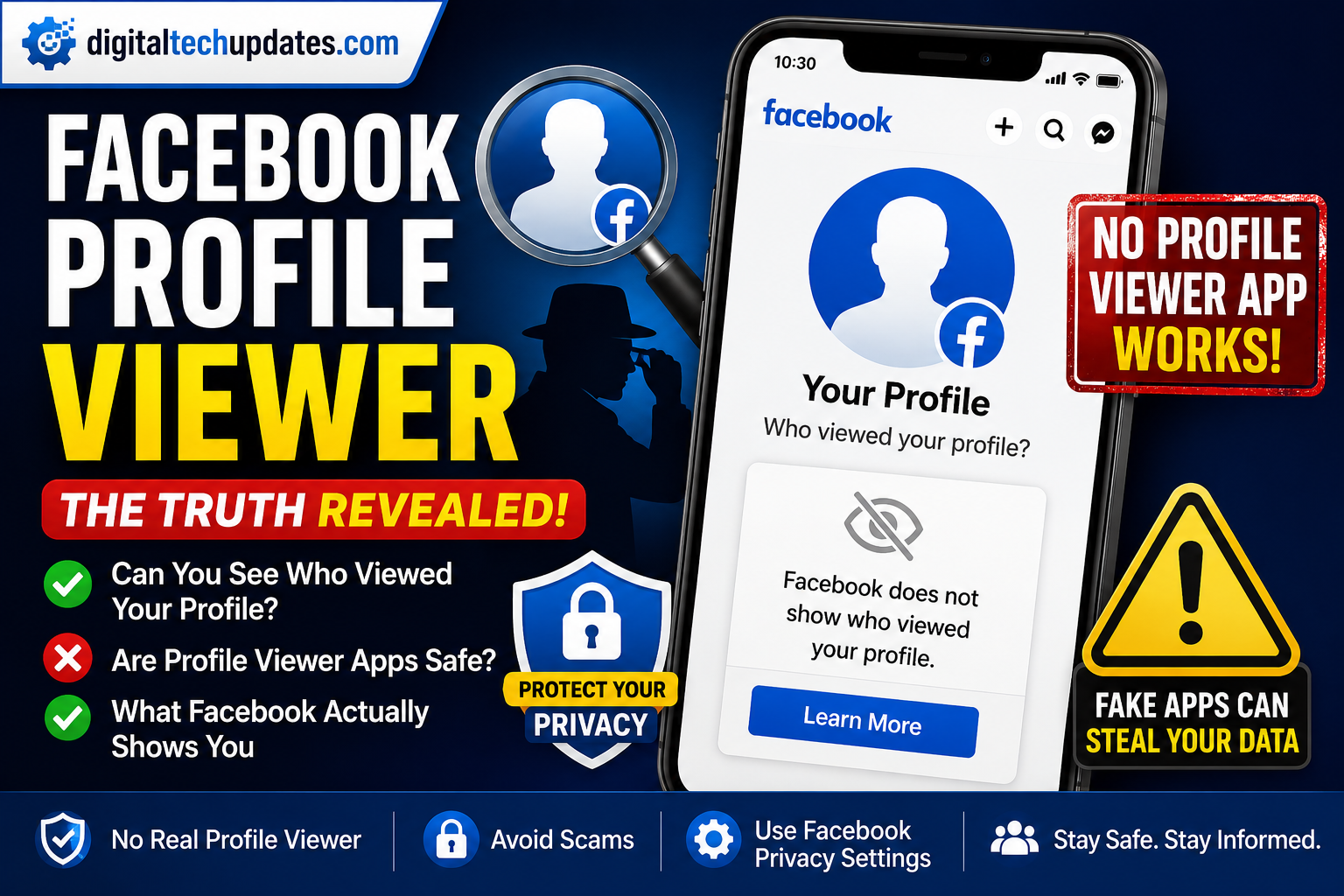
So let’s get the honest answer out of the way first, because you deserve it up front: No, Facebook does not let you see who viewed your profile — and no third-party “profile viewer” app can do it either.
That’s not the fun answer, but it’s the true one. And once you understand why it works this way, you’ll also understand why those “see your stalkers” apps are worth avoiding, and what Facebook actually does show you instead.
Why there’s no real Facebook profile viewer
Facebook has been asked for this feature for well over a decade. The company has consistently said no, and the reason is baked into how the platform makes money.
Facebook wants you to browse freely. Scrolling through an old classmate’s photos, checking an ex’s page, quietly looking up a job candidate — all of that only happens because you feel invisible while you do it. The moment people knew their name popped up on someone else’s screen every time they clicked, most of them would stop clicking. Engagement would drop. So would the ad revenue that depends on it.
There’s also a genuine privacy angle. A public “who viewed me” list would turn Facebook into a stalker’s tool overnight, and Meta has no interest in that liability. LinkedIn can offer a “who viewed your profile” feature because it’s a professional networking site where being seen is the whole point. Facebook is the opposite — it runs on casual, low-pressure lurking.
The technical side seals it. Facebook simply does not release profile-view data through its systems. If the data isn’t shared, no app, extension, or website can pull it, no matter what the ad promises. There’s nothing to retrieve.
Are Facebook profile viewer apps safe? (Short answer: no)
Here’s where curiosity can actually cost you something.
Because so many people search for this, a whole industry of fake “profile viewer” tools has grown up to cash in. You’ll see them as browser extensions, phone apps, sketchy websites, and even those “I saw who viewed your profile 😲” posts that show up in comments. None of them work the way they claim, because — as we just covered — the data doesn’t exist for them to access.
What they actually do falls into a few predictable buckets:
- Credential theft. They ask you to “log in with Facebook” on a lookalike page, then harvest your username and password.
- Permission grabbing. You install the app and it requests access to your profile, friends list, and contacts, then quietly mines all of it.
- Survey and ad traps. They send you through endless “verify you’re human” steps that earn the scammer money and never show you anything real.
- Malware and spam. Some install tracking software or start posting spam from your account to hit your friends next.
If a tool promises a list of people who viewed your Facebook profile, treat that promise itself as the red flag. It’s the digital equivalent of a “free iPhone” popup.
What about the old browser tricks?
You might remember (or find in an old blog post) tricks like opening “View Page Source” and searching for something called BUDDY_ID or a string of profile ID numbers, supposedly ordered by who visits you most.
Those tricks never actually revealed your visitors — the numbers people found were unrelated to profile views — and they don’t work at all in 2026 anyway. Facebook has rebuilt its underlying code many times over the years, and any script or extension leaning on those old methods is either broken or repurposed to grab your data. If a guide tells you to paste code into your browser console, close the tab.
What Facebook actually lets you see
Now the useful part. You can’t get a visitor list, but Facebook does give you a few legitimate windows into who’s paying attention.
Story viewers. This is the closest thing to a real answer. When you post a Story, Facebook shows you a list of everyone who watched it while it’s live (Stories last 24 hours). If your Story is set to public, non-friends who watch get bundled into an “Other viewers” count — Facebook keeps their names hidden to protect their privacy, but the count tells you strangers are finding you. Some people use this deliberately: post a Story, and anyone who isn’t a friend but shows up as a viewer had to come across your profile or content somehow.
Professional Mode insights. If you switch your personal profile to Professional Mode (it’s free, under the three-dot menu on your profile), you unlock a small analytics dashboard. It won’t name your visitors, but it will show you the number of profile visits over the last 28 days, your new followers, and how your posts are performing. For creators and anyone trying to grow, that’s genuinely more useful than a list of names.
Your own engagement. This one’s low-tech but reliable. The people who consistently like your posts, react to your Stories, comment, and message you are, almost by definition, the ones spending time on your profile. Facebook doesn’t have to tell you who’s interested — your notifications already do.
How to protect your profile (and your account)
While you’re thinking about who sees your profile, it’s worth spending five minutes locking it down. Head to Settings & Privacy → Settings → Privacy, and consider:
- Set who can see your friends list to “Only Me” so strangers can’t map your network.
- Use Limit Past Posts to switch older public posts to friends-only in one go.
- Hide your phone number and email so people can’t find you by searching those.
- Review profile and tagging settings so you control what shows up on your timeline.
And the big one: never hand your Facebook login to a third-party site, and turn on two-factor authentication under Security settings. That single step stops the vast majority of account takeovers, including the ones that start with a fake profile viewer.
Frequently asked questions
Can anyone see who viewed my Facebook profile?
No. Not you, not your friends, not anyone. Facebook doesn’t collect that into a shareable list for regular profiles.
Do any Facebook profile viewer apps actually work?
No. Since Facebook doesn’t release the data, every app claiming to show your viewers is showing fake results — and most are after your login or personal information.
Does Facebook notify someone when I view their profile?
No. You can look at profiles as much as you like without the other person being told. The exceptions are Stories and live videos, where viewers are visible while the content is active.
What’s the closest I can get to seeing who’s interested in me?
Post a Story and check the viewer list, turn on Professional Mode for profile-visit numbers, and pay attention to who regularly engages with your posts.
The bottom line
There is no Facebook profile viewer — not an official one, and not a real third-party one. Anything that claims otherwise is either broken or trying to take something from you. The curiosity is completely normal, but the safest and smartest move is to skip the “stalker” apps entirely and lean on the real tools Facebook gives you: Stories, Professional Mode insights, and your own engagement.
Save yourself the malware and the disappointment. The person who reacts to everything you post? That’s probably your most frequent visitor anyway — no app required.

Thalla Lokesh
Thalla Lokesh is a Digital Marketing Strategist and SEO Specialist with over 12 years of experience in helping businesses grow their online presence. Since beginning his career in 2013, he has successfully worked across industries including healthcare, education, technology, and e-commerce. He specializes in search engine optimization (SEO), content marketing, keyword strategy, and link building, with a strong focus on delivering measurable results. Lokesh has helped brands achieve top rankings on Google through data-driven strategies, high-quality content, and ethical SEO practices aligned with search engine guidelines. As the founder of Honey Web Solutions , a Tirupati-based digital marketing company, he actively works with clients to improve organic traffic, lead generation, and online visibility. He also contributes expert insights on digital marketing trends, AI SEO, and content strategies through blogs and industry platforms.